New shift
Event, location, company and service in one form. Overnight shifts automatically set the end date to the next day.
Personal time register · Web App
Shifts, payments and reports. One personal workspace.
Registro Ore Eventi NEXT brings together shifts, companies, working hours and mileage reimbursements. The workflow developed in Classic continues on the web, with Google sign-in and online storage.
From shift to summary
Enter the event, company, service and working times in a single form. The Dashboard shows shifts still to be reported; History also keeps shifts already included in reports. Payment status remains separate from reporting status.
Event, location, company and service in one form. Overnight shifts automatically set the end date to the next day.
Hourly rates or fixed fees, breaks, kilometres and mileage rates. The register calculates net hours and amounts.
Reuse company details in your shifts. Browse history by date range and status; export restorable JSON backups or CSV tables.
Choose the date range and company, generate a summary and reopen it from the PDF list. You can mark included shifts as reported.
The current version
NEXT uses Firebase for authentication and storage. Each enabled account accesses its own register. PDFs are generated on the device and stored in the app, ready to reopen or download.
NEXT in use
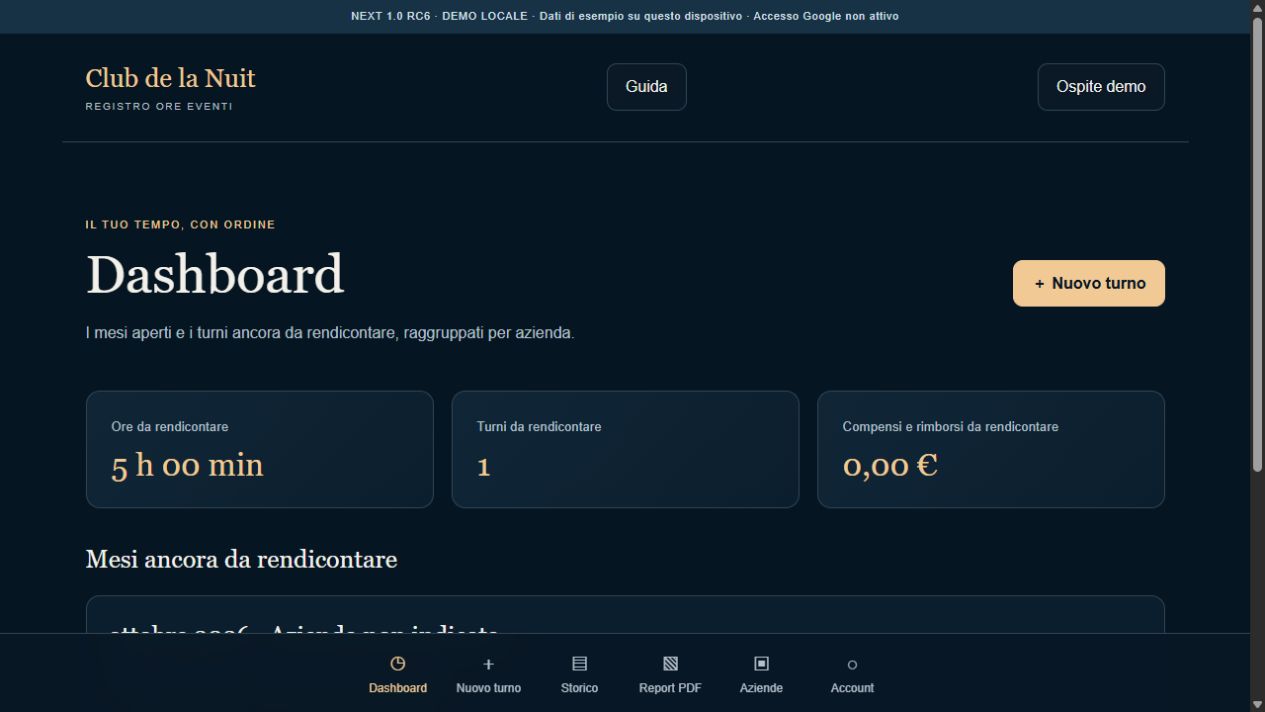
These screenshots come from the NEXT local demo and contain only demonstration data. The online app requires Google sign-in. Select an image to view it at its original size.
Months and companies with shifts still to be reported.
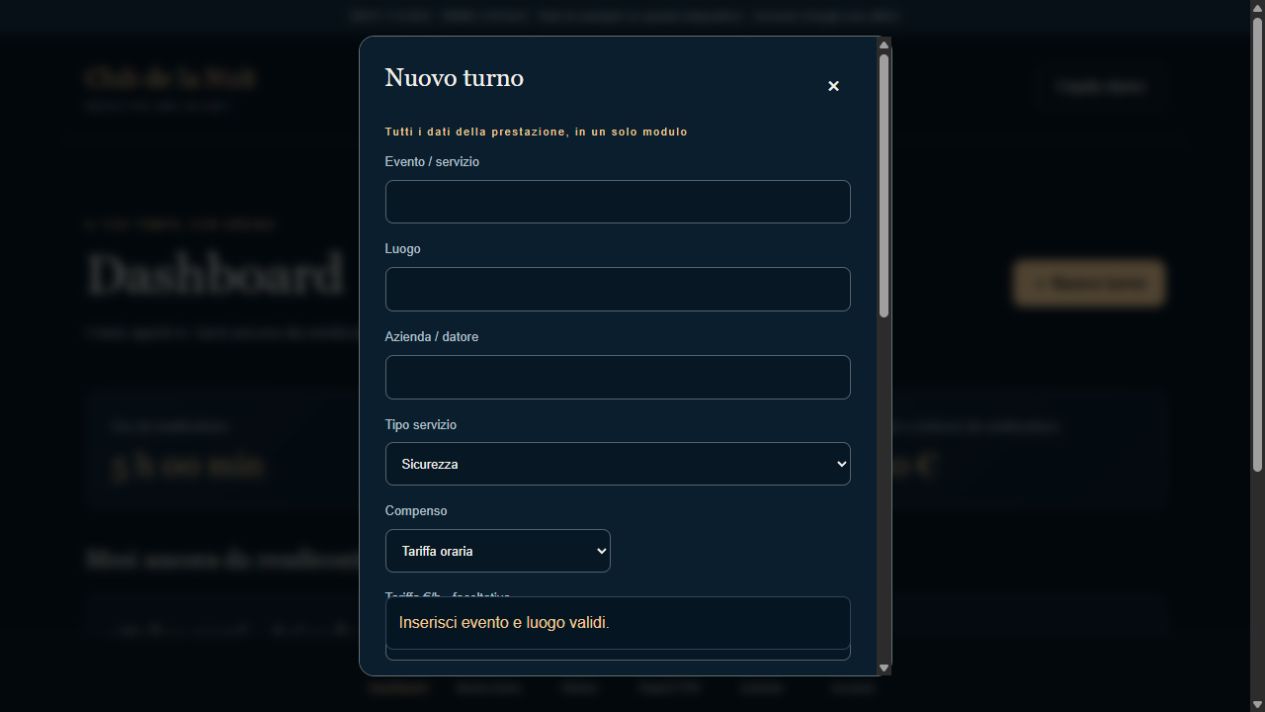
All details of a service in one form.
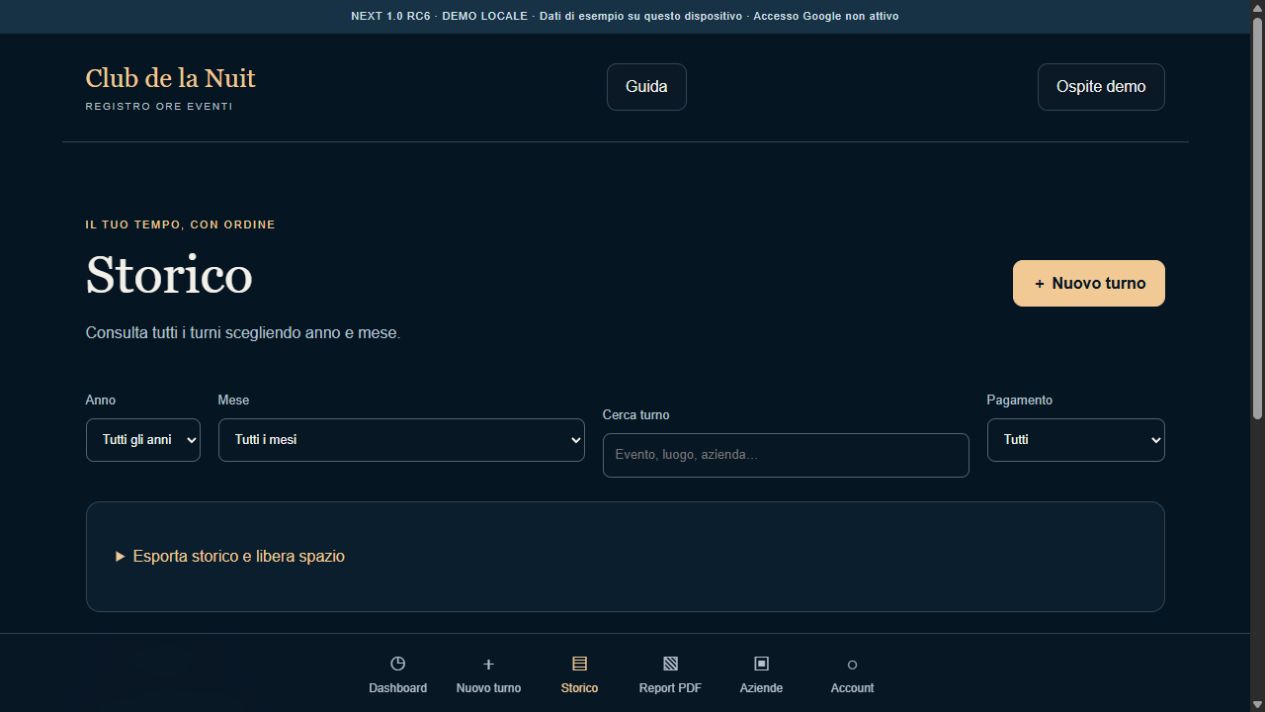
Reported and unreported shifts, filters and exports by date range.
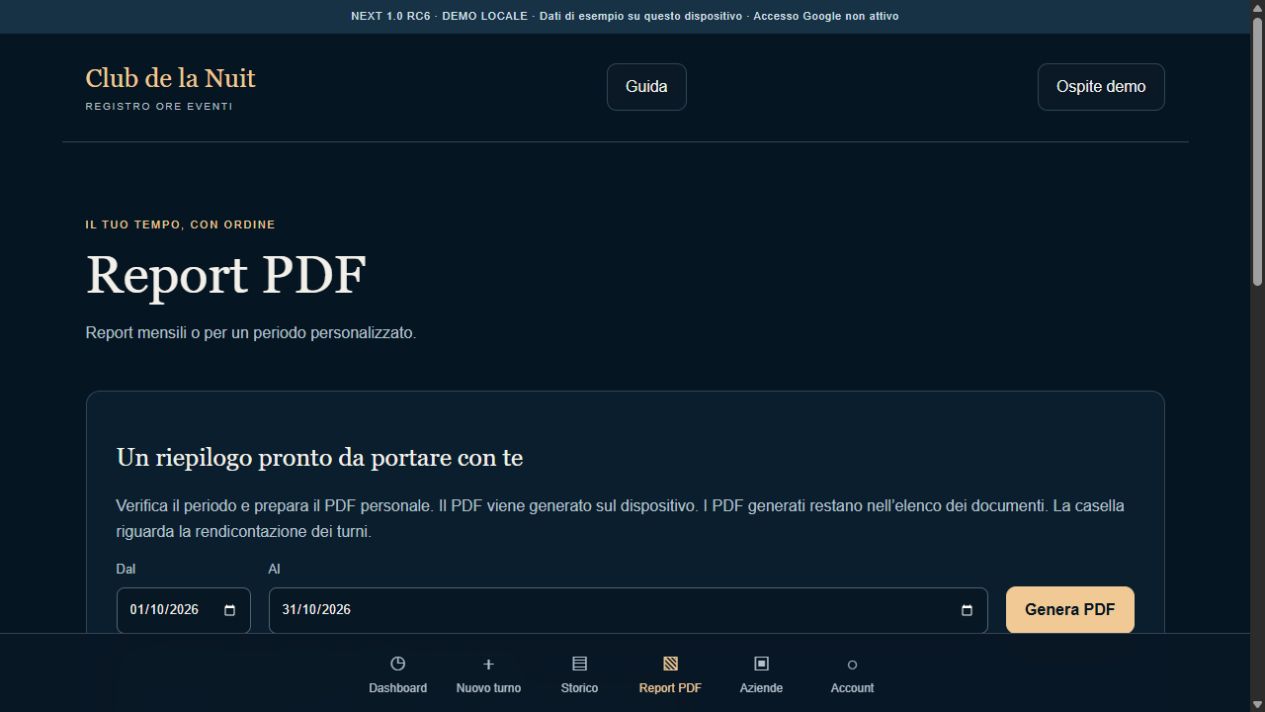
Date range, company and summaries; generated PDFs remain available.
Classic is the previous version built on Google Sheets and Apps Script. NEXT retains its operational workflow and register features, with a new interface and Firebase storage. This page presents NEXT; “Open Registro Ore” always takes you to the current app area.